How does a journal connect with staff tasks? Where do you find the next appointment? And what does daily work look like when documentation, rotas and HR sit within the same system?
You can now explore these questions yourself. Validi offers a demo where you create your own workspace and try the system with fictional records. You do not need to start with an empty journal or build a staff rota before you can understand the workflows.
The demo is designed for clinic managers, professional leads and staff who want to see whether Validi suits their service. Explore at your own pace, then bring specific questions to a conversation with us.
The images in this article are AI-generated illustrations inspired by Validi. They explain workflow concepts; they are not screenshots or patient records.
Choose a profile that reflects your service
When you register, select the type of service you want to explore. This determines the examples and workflows prepared in your demo.
Swipe sideways to compare all columns.
| Profile | A useful place to start |
|---|---|
| Outpatient treatment | Service user profiles, journal entries, appointments and staff follow-up tasks. |
| Residential treatment | Stays, rooms, medication overviews, handovers and staff rotas. |
| Homelessness services | Rooms, records of stays, support planning and appointments, illustrated through a Danish section 110 service. |
| Supported accommodation | Daily records, goals, care plans, rooms and shared follow-up, illustrated through a Danish section 107 service. |
| Fertility clinic | Patient pathways, treatment cycles and examples of recording tests, medication plans and consent. |
Every profile includes staff, tasks, calendar appointments, rotas and HR examples. The fertility profile lets you explore workflows in the demo. It does not, by itself, constitute validation for clinical use or an integration with laboratory equipment.
Follow one person from a journal entry to an appointment
A small, connected workflow is often the most useful first test. Open a fictional service user or patient, read a few entries and find the next appointment. Then look at the tasks assigned to staff.
Try adding a short, invented note or changing an appointment. This helps you judge whether the connection is clear to the colleague who will follow up. It tells you more than simply counting features on a list.
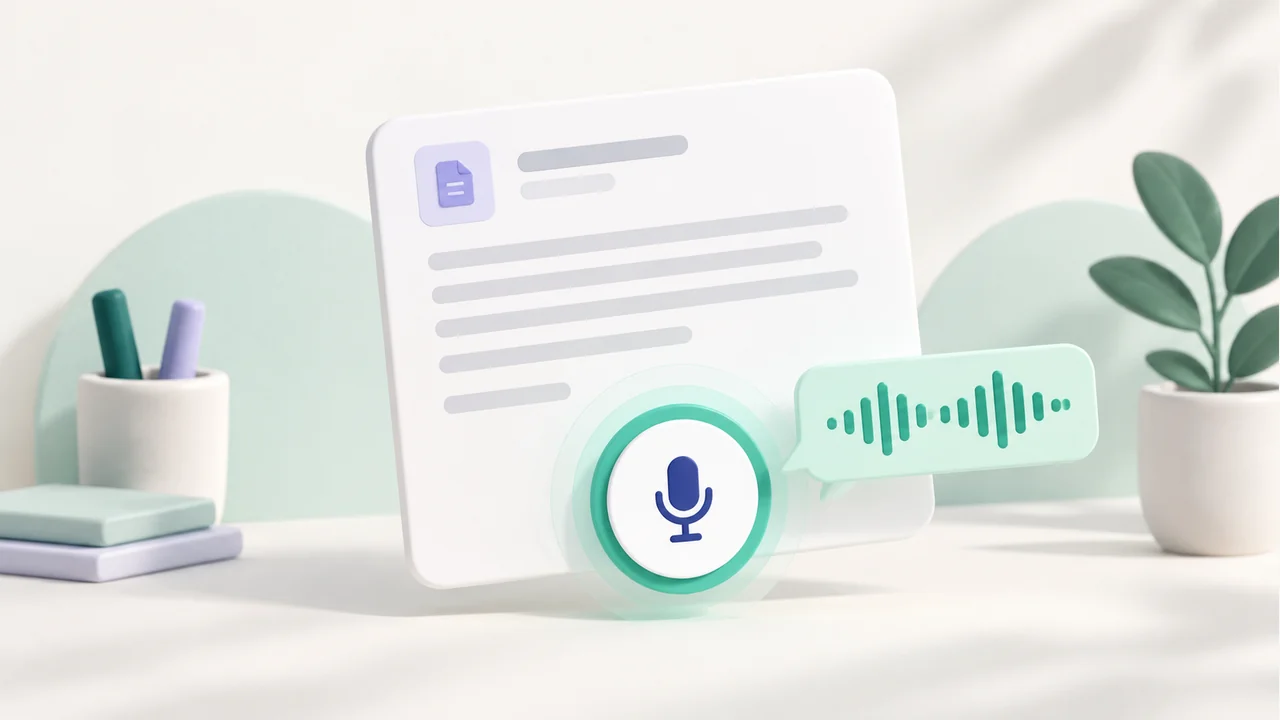
Illustration: documentation and dictation within one workflow.
You can also explore Validi's features alongside the demo. Keep a short list of the workflows that feel familiar and the questions you would like us to walk through with you.
Include staff planning in your review
A shared system also matters when a shift needs covering, a task needs assigning or an appraisal needs preparing. That is why the demo contains more than individual care records.
Open the rota to see how shifts are distributed across several staff members. Then explore HR, where templates and sample responses illustrate staff development reviews and workplace assessments. The examples can help you identify which parts of your current routines you would want to bring into a shared system.
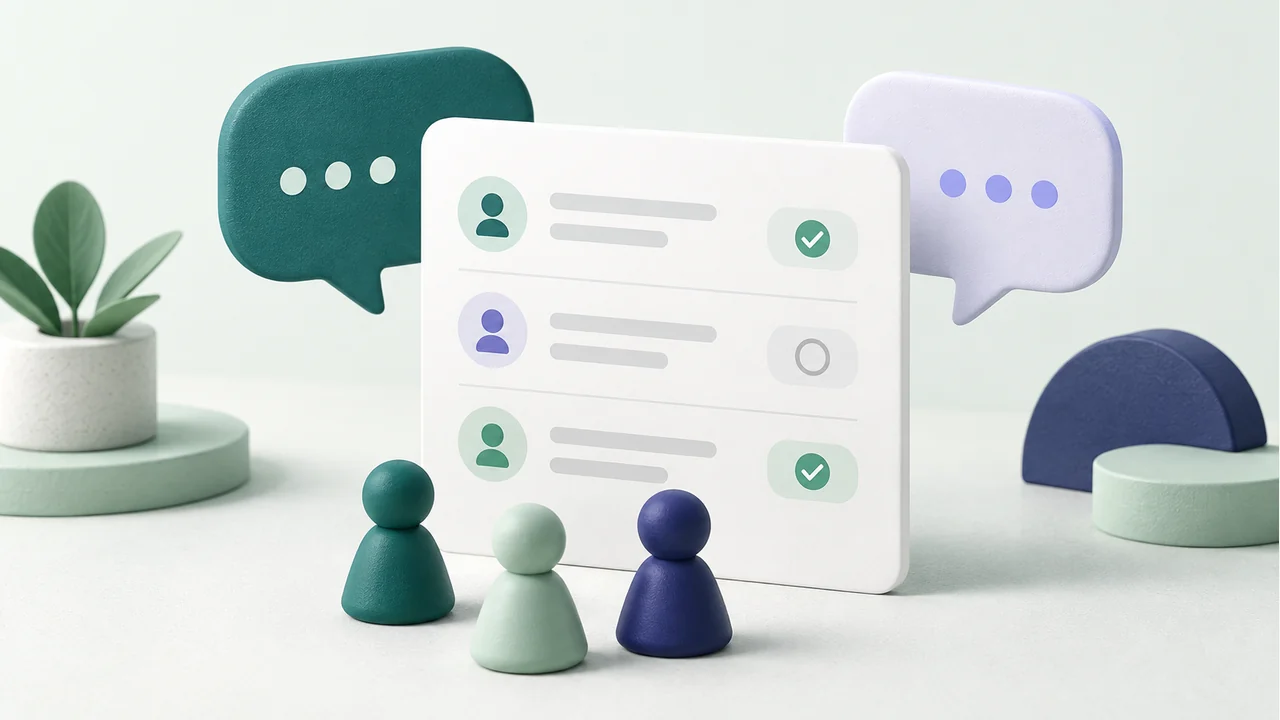
Illustration: conversations, staff development and shared follow-up.
Create your demo
- Visit demo.validi.dk and enter your name, organisation, work email and Danish mobile number.
- Choose a clinic type. Read the contact statement and privacy notice before agreeing to contact about the demo and Validi.
- Follow the email confirmation link. Request an SMS code, verify your mobile number and choose a password.
- Sign in once your workspace is ready. Your welcome email suggests starting points for the profile you selected.
The registration flow is currently in Danish, and SMS verification requires a Danish mobile number. After registration, the administrator receives up to three short follow-up emails with ideas for exploring the demo and an invitation to discuss getting started. These emails include an unsubscribe link.
Keep the demo fictional
The service users, patients, staff and histories supplied in the demo are fictional. Do not enter real care records, national identification numbers or other sensitive personal information while testing. This also applies to documents, images and anything you dictate.
Your contact details are used for registration, verification and the contact you agree to. Read the privacy notice for further information; you can also change your contact preference in the demo. Your demo workspace does not automatically become a live clinic holding real records.
When you are ready to discuss the next step
The administrator can select “Bed om opstart” — request help getting started within the demo. You can explain what you want to clarify before proceeding. We then follow up personally about your workflows, setup and any data migration. Submitting a request does not create a subscription.
Create your own Validi demo and start with the profile closest to your service. The current pricing is also available to help you consider the next step.
Frequently asked questions about the Validi demo
Do we need to create all the example records ourselves?
No. Your workspace starts with fictional profiles and examples of documentation, tasks, appointments and staff planning. The details depend on the clinic type selected during registration. You can begin by following an existing example and then try making a change. The aim is to help you assess how the workflows fit together before discussing the setup your own organisation would need.
Why do we need to verify both email and mobile number?
The checks confirm access to the contact details attached to the demo account. You first receive an email link, then request a one-time code by SMS. SMS verification supports Danish mobile numbers. It does not mean the demo can be used to message real service users, and all records and activities you use for testing should remain fictional.
What happens if we want to use Validi for our organisation?
Request help getting started within the demo, and we will follow up personally. The conversation can cover staff access, relevant workflows and any migration needs. Setting up a live clinic is a separate process: demo records are not automatically transferred as real care records. Include any practical questions in your request, but do not include information about real patients or service users.